MENU


  • WORM MAGIC
  • Head In the Clouds
  • The Carnivorous Perils of Space by MrRocks
  • THAI MASK by xWECHTERx
  • Trouty Mouth – Half Salamander
  • Elemento by nicebleed83
  • Extinct by nicebleed
  • Dead_Space by Studio8Worx
  • myspace angle by youmaykillthebride
  • Ready 2 Fall by putra666

  • POPULAR POSTS


  • Submit News

  • FRIENDS

  • Photoshop Actions For Photography


    .

    Posted by Lucas Cobb Design in Creative Resource, Design on July 2nd, 2010 with 8 Comments

    How often do you find yourself performing the same series of commands in Photoshop? When there are typical tasks that you perform on a regular basis, you have two choices; you can do things the hard way by performing each step every time you need to perform the task, or you can get smart and use an action.

    Similar to macros in programs like Microsoft Word and Microsoft Excel, Photoshop actions are recorded steps that you perform on an image; these steps can be saved and replayed on another image at a later date.

    Photoshop actions automate repetitive tasks—they’re easy to create, easy to use, and, best of all, quite often you don’t even have to create them yourself because someone else has done the work already. In this article, I’ll show you what a Photoshop action is, how to find and play an action, and how to record your own.

    Image Enhancing Actions

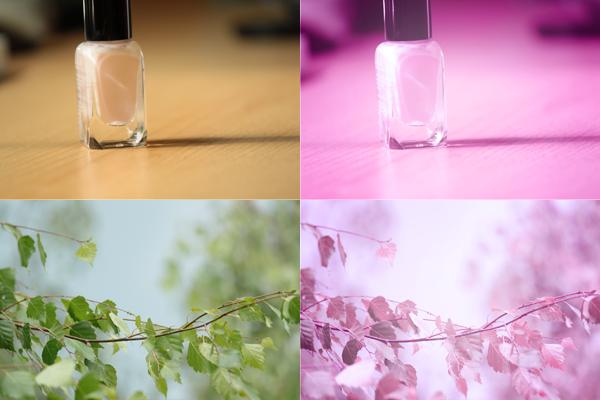
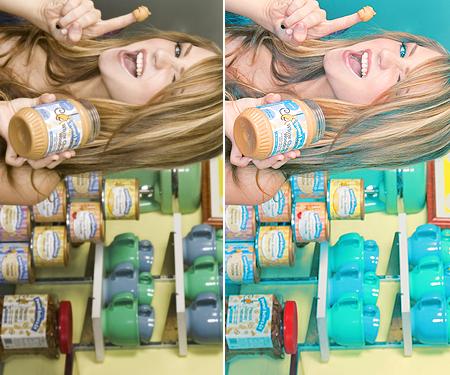
    Retro LoveDownload Action
    Retro Love

    Infared EffectDownload Action
    Infared Effect

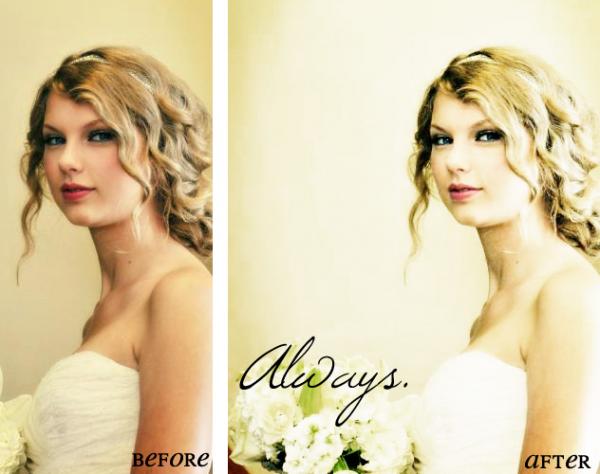
    Vintage WashDownload Action
    Vintage Wash

    LomoDownload Action
    Lomo

    Sets of Actions

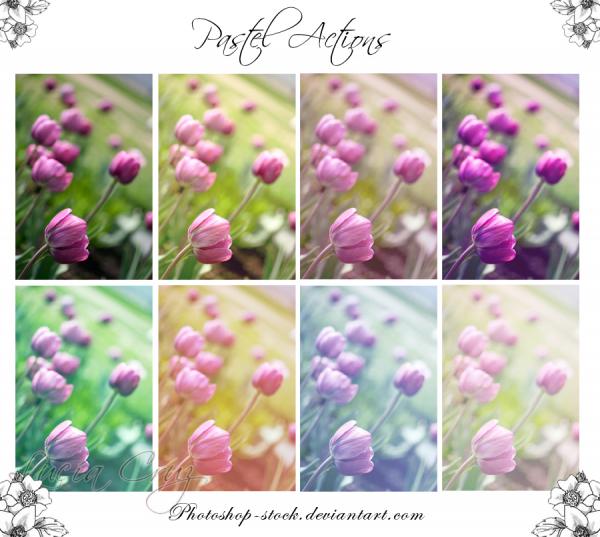
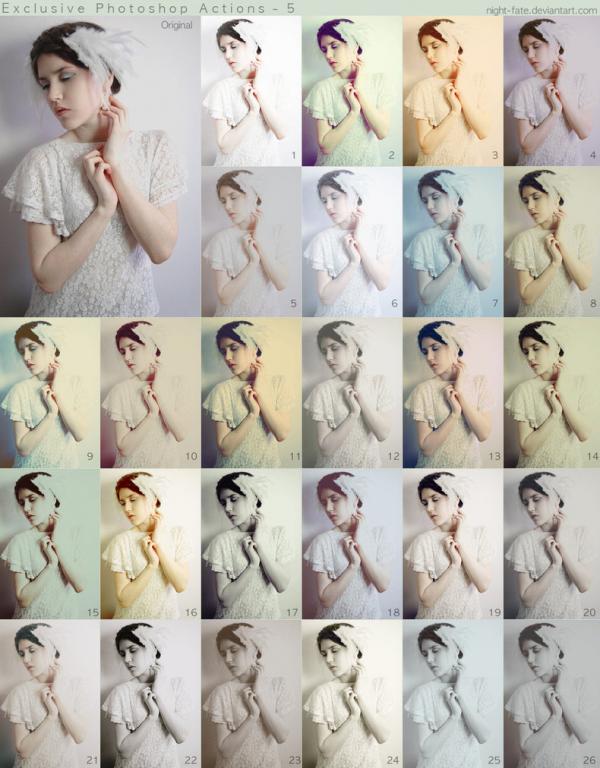
    Photography ActionsDownload 8 Actions
    Photography Actions

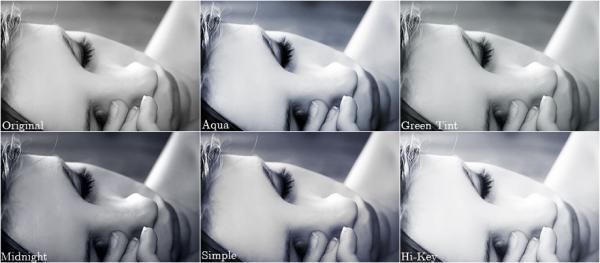
    Gel ActionsDownload 9 Actions
    53 Actions

    Photo Processing Actions

    Medium Tone CrossingDownload Action
    Medium Tone Crossing

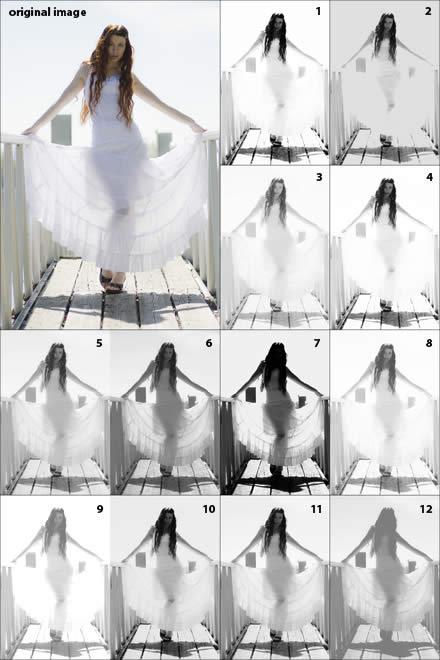
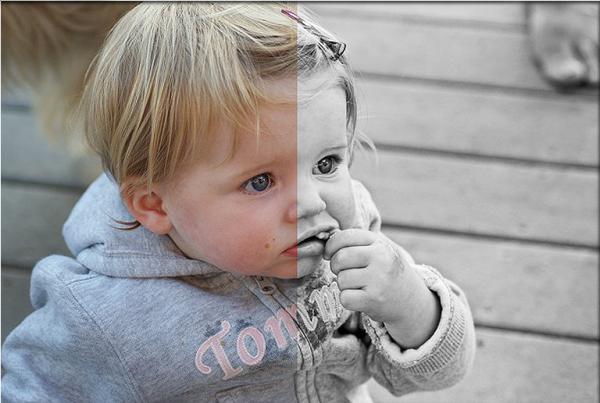
    Black & WhiteDownload Action
    Black & White

    Conclusion

    Photoshop actions help make your images pop and bring out details you didn’t even know where there when you took the photo. If you know of any more great photo actions out there let us know in the comments. Looking forward to finding some new ones for my collection.

    Computer technology and techniques are used everywhere these days and those that have a strong hold on these are the ones that are developing and prospering the most, join this league by getting the 642-611 certification, this is one of the Microsoft’s premium certifications and other than that is the 000-979 certification. If you have the want to join the road of success straight away then the 646-230 dumps are the ideal thing.


    Posted in Creative Resource, Design using the Tags: , , , , ,

    Related Posts


    My name is Lucas Cobb and I'm the founder of Lucas Cobb Design and a partner here on Nenuno.co.uk. I look forward to your comments and suggestions. Also, please follow me on Twitter.

    See all posts by Lucas Cobb Design


    • Twitter
    • Design Bump
    • Web Blend
    • Facebook
    • Design Float
    • Reddit
    • Delicious
    • Stumble
    • Icon
    • Icon
    • Digg It
    • RSS

    Network Posts


    You can leave a response, or trackback from your own site,

    8 Responses to “Photoshop Actions For Photography”

    1. Daniel says:

      Great roundup Lucas, looking forward to seeing more Photography based articles/round-ups!

    Trackbacks


    Leave a Reply


    All content, such as illustrations, photos, resources and tutorials are copyright to their respective owners.

    nenuno creative is a trademark of nenuno design & development network and any content or resources originally created by nenuno can't be used without permission.